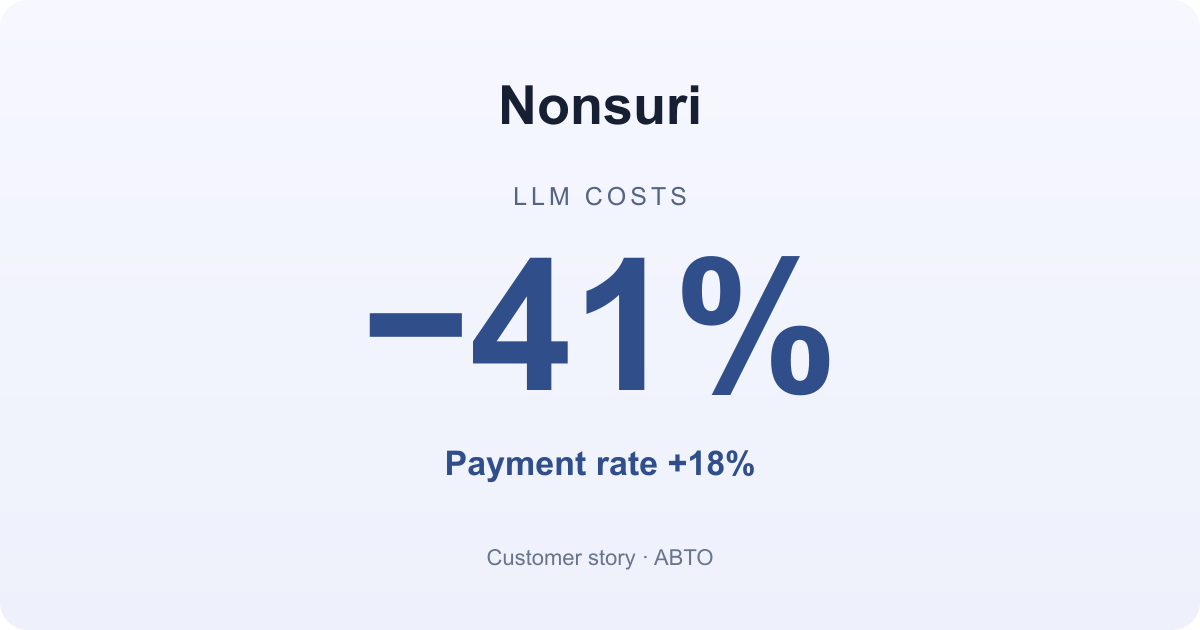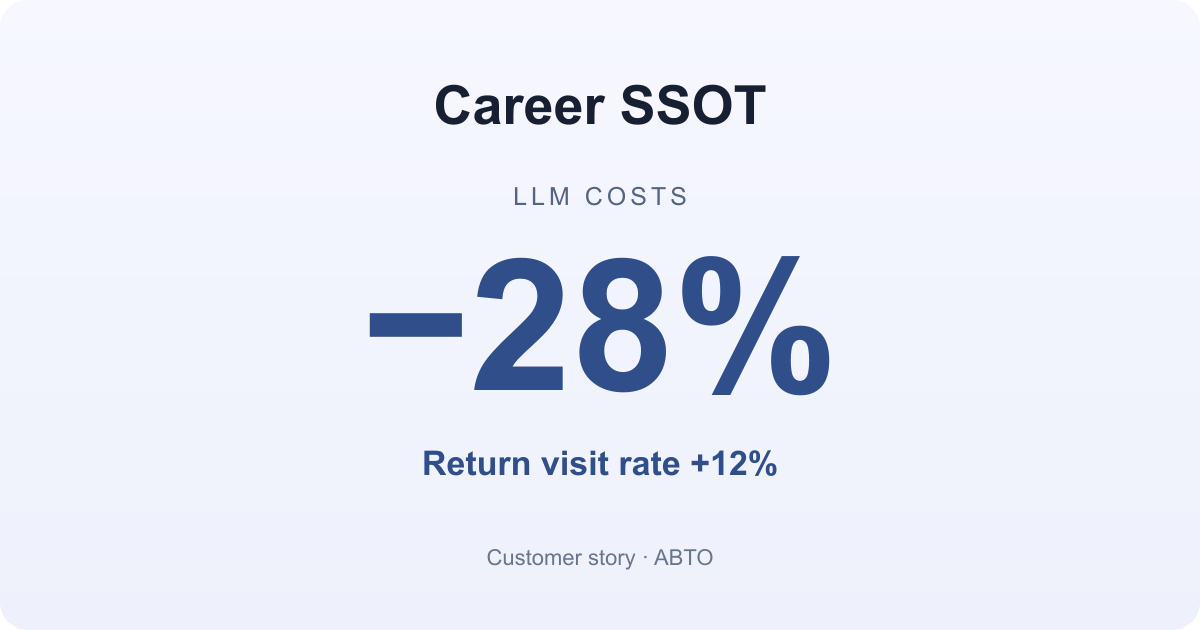
Career SSOT is a career management platform that turns experience notes or resume PDFs into cover letter drafts and provides feedback on resumes and career summaries. Rather than use the same model for cover letter drafting and resume editing, the team began comparing user behavior and call costs separately for each feature to choose the settings that fit it. Using ABTO to compare its existing and new settings, Career SSOT saw model costs fall by 28% and the return visit rate rise by 12%. In this Q&A, the team explains where it started, how it assessed the changes, and what remains unresolved.
What made choosing an AI model difficult before?
Cover letter drafting and resume editing may look like similar AI features, but they ask quite different things of a model. A cover letter draft needs to connect a user’s experience to each application question and produce a long answer that fills 95% to 100% of the character limit. Resume editing is more about reading an existing document and identifying explanations that need detail and sentences that need revision.
We had already been comparing models. We built a way to run the same task with different models, including Claude and GPT models. Our execution records showed response time, input and output tokens, and usage for each model. We found that changing the model name was not enough to make a comparison. Even the same model could take a different amount of time depending on its reasoning settings, so we needed to compare the model and its settings together.
Speed and token usage were not our deciding criteria, though. What mattered was whether the output met our service’s quality standards. We checked whether it met the requested length, avoided inventing achievements or experience absent from the source, and answered what the question was asking.
The difficulty came after that. We had model execution records, and the service separately recorded actions such as copying or editing a result. But we had no way to connect the two. We could not identify which model had produced the draft a user took away. With quality still a concern, we kept using one model known for strong performance for both features, and model costs grew with our user base.
What criteria did you decide to use?
We kept our existing quality standards and added what users did after receiving the result. For cover letter drafts, we checked whether users used the answer as it was, edited it themselves or with AI, or signed in to save it. For resume editing, we checked whether users revised the document after receiving feedback or continued to another tool.
We counted generating a draft separately from a user actually using it. Producing a draft did not mean that the user had used it.
The main metric shared by both features was the proportion of results users saved. We also watched return visits to see whether people came back to use those saved results. Looking at call costs and user behavior separately told us what we spent, but not whether a particular model’s output led to a saved result. Bringing those records together and comparing behavior across settings was the starting point.
How did you compare the two settings with ABTO?
We connected Career SSOT’s cover letter drafting and resume editing features to ABTO separately. First, we needed to bring calls to different providers onto a common path. Changing the address used for model calls to the ABTO gateway did not require large changes to the feature code. During integration, though, we found separate document and text analysis paths that called provider APIs directly. Connecting browser actions alone would have left those calls out of the comparison, so we connected them to the same flow too. We changed the call path while keeping the existing models, instructions, source checks, and length requirements.
We then set up Career SSOT’s success metrics in ABTO. We made the result save rate the main metric and looked at the answer revision rate and average cost per call alongside it. For each feature, we placed the existing settings beside the settings we wanted to test and split traffic from users of that same feature between them.
How did you roll out the new settings to real users?
We did not apply them to everyone at once. The new settings started at 0%. We first assigned them to 10% of users and spent a few days checking error rates, response times, and changes in our success metrics. Cover letter drafts are long, so we paid particular attention to response time and whether the output met the character limit.
After checking for operational problems, we increased the share in stages. Expanding gradually for each feature kept the number of affected users small if something went wrong.
At first, there was little data and the results changed frequently, so we kept comparing while we waited for enough data to accumulate.
What changed as a result?
Applying different model settings to cover letter drafting and resume editing reduced model costs by 28% and increased the return visit rate by 12%. We did not need the most expensive model for every feature.
Beyond cost, the way we looked at the data changed. Previously, we had to open model execution records and user behavior records in different places. Now, selecting an AI task shows both its call records and how the user used the result. Calls that generate separate answers or refine a result are grouped under the same task, so we can see the full cost including revisions, rather than just the cost of generating the first draft.
The figures reported here are model costs and return visits. The result save rate and answer revision rate also informed our choice of settings, but their figures are not included here.
What remains unresolved?
Not all calls use the same path yet. Large requests, known compatibility exceptions, and calls that take a different path depending on their settings still run separately. Those calls are not included in the current comparison.
How has this changed the way you choose models?
Instead of choosing one model for the whole service, we now decide which model fits each feature. Alongside a model’s reputation, we look at whether users of that feature save their results and what it costs to achieve that outcome.
We also introduce new models and prompt changes to a share of users first. That does not mean cheaper models are always better. Simply switching models did not tell us which one was more useful to users. Connecting calls and user actions to the same task had to come first.
Career SSOT defined the user behavior to measure for each feature, introduced new settings to a share of users, and compared costs with user responses as data accumulated. If several of your AI features use the same model, start by deciding which user behavior to measure for each feature.
ABTO is an AI model A/B testing tool that compares costs and user responses in one place.
Install the ABTO Skill in your coding agent and ask /abto Integrate ABTO to connect it in under five minutes.